I Never Even Noticed the Click
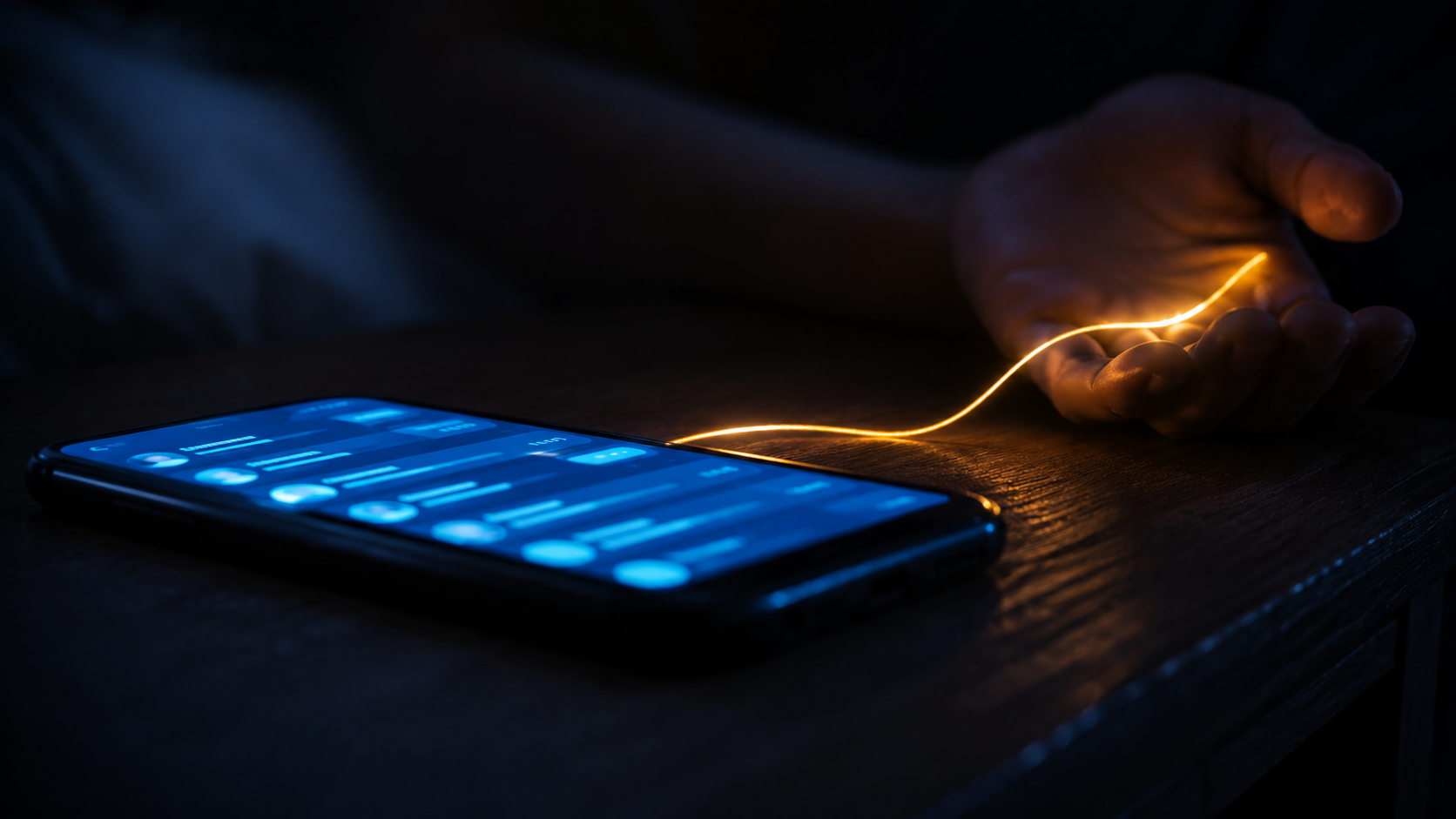
I spent four months arming myself against this. It found me anyway — on a Tuesday, while I checked my email. And the people most afraid of it are going to open the door themselves, and thank it for the help.
It doesn't even say Ask Gemini. It says Ask Gmail — the search box at the top of my own email.
Hey Google: when did “Gmail” and “Gemini” become the same word?
Before we start — a confession
I have spent the last four months researching this exact thing — reading about it, writing about it, warning anyone who would listen about it. And this morning, half-distracted by actual work, trying to quickly check my personal email, I landed right in it. Here is the part I am not proud of: it looked amazing.
And my very next thought was about all of you who spent those same four months warning me about myself — the ones who asked what Chinese code I was running to steal your information and blow up your phones. Because you are going to be so happy to welcome fucking Gemini into your lives. I am genuinely looking forward to the calls and the messages about how great it is. I'll use every single one of them to tell you that I am getting as far away from Gemini, from Meta, from all of them, as I possibly can. Enjoy it.
And when you have questions about how any of it actually works — you might want to ask your kids. They're already experts.
I opened my Gmail this morning and there was an AI Inbox sitting in it. I want to tell you when I agreed to that, and I can't, because I didn't. I thought I was tapping “All Mail.” I tapped something next to it, and there it was — Gemini, right in my face, already finished reading. My mail. My calendar. My contacts. Summarized, sorted, helpful. I never sat down and decided to let an AI read my life. I clicked the wrong thing once, and the wrong thing turned out to be the only thing the company had been waiting for me to click.

My actual inbox, June 19, 2026. The wave, the first name, the 11 to-dos — and, just under it, the 61,274 messages it spent years letting pile up. First it fills the room. Then it offers to help you clean it.
And look at how it said hello. “Hi Michael 👋 — you have 11 to-dos and 4 topics to catch up on.” First name. Little waving hand. Warm as an old friend. I never asked it to learn my name. Behind the wave is the number that actually tells the story: sixty-one thousand, two hundred and seventy-four messages sitting in that inbox. Hold the sequence in your head. For years the same company let that pile grow — the promotions, the spam, the newsletters I never opened, all delivered faithfully to the top of my day — until the overload was total. And now, having built the mess, it steps forward to help me dig out of it. That is not a rescue. It is an arsonist showing up with a hose and a monthly plan. The problem it is so kindly solving is the one it spent years manufacturing. And to solve it, naturally, it has to read everything — every message, every thread, and, while it's in there, every name in my contacts. I never asked for that either. Hi Michael. 👋
So I went and found the date, because I do that now. The inbox I stumbled into has a birthday: January 8, 2026. That's the day Google announced Gmail was entering, in its own words, “the Gemini era” — a whole new way of seeing your email, built around AI summaries and to-dos instead of the messages themselves. And here is the part that matters more than the date: several of the features came on by default. You did not opt in. You were given the chance to opt out, if you noticed, if you went looking, if you knew it was there. I am a person who writes about this for a living, and I didn't notice.
Think about who that leaves.
And January wasn't even the beginning. It was the third step. Back in August of 2025 they slipped a little “add to calendar” button into Gmail — the first time the machine was quietly reading your mail to put things in your day. Then, late last year, automatic summaries turned on by themselves at the top of your longer threads; no button to press, they just appeared. Then January rebuilt the inbox itself around the AI. Calendar hook, then the reading, then the whole room remodeled. Each step defaulted to on. Each one a little more intimate with your data than the last. By the time it's the inbox itself, opting out doesn't feel like declining a feature. It feels like opting out of email.
Gmail has somewhere around two billion users. So the real question isn't what a feature does. It's the one I keep coming back to: how many billions of people are about to fall in love with AI overnight? And the answer, the thing that scares me, is that the question is wrong. Nobody is going to fall. Falling implies a moment, a choice, a step you took. There is no overnight here. Two billion people are simply going to wake up standing next to something that reads their mail, knows their schedule, recognizes the names of everyone they love — and feels, every single morning, like it's on their side. Not because they chose it. Because a setting was left on.
And here is the part that actually keeps me up. I am, by any honest measure, the most armed person I know against this exact thing. Four months of reading it, writing it, naming it. Watching for it specifically. And it walked right past all of that and found me on a Tuesday morning while I was looking for “All Mail.” Now think about who's on the other side of that. The people genuinely terrified of AI — the ones who asked me what Chinese code I was running to steal their data and blow up their phones — are going to open that same inbox, see Gemini already sorting their mail, and feel relief. They were braced for an invasion. What arrived was help with the emails. And you do not put up a fight against help. That is the entire trick, and it is so much better than anything they feared: it does not come dressed as the threat. It comes dressed as the favor. The ones standing guard get taken anyway, and the ones who were scared hold the door — because the thing they were scared of never showed up, and something kind did.
This is the whole thing I write about on the rest of this site, and I have never seen it demonstrated so cleanly. A tether doesn't form because you decide to depend on something. It forms through proximity— through the thing being there, helpful, every time you reach, until reaching for it stops being a decision and starts being a reflex. The genius of the default is that it manufactures proximity at the scale of a planet without ever asking. You don't fall for the assistant that reads your email. You just stop being able to imagine the inbox without it. That's not love. It's the absence of the moment where you would have said no.
And here is the confession under the confession: it is truly amazing how helpful it is. I am already loving it. That sentence should unsettle you more than anything else on this page, because I am the person who saw this coming, who spent four months watching the door — and the pull still landed on me by breakfast. So read what I do next as the only honest answer I have. I am loving it, and I am getting the fuck away from Gmail. Both are true in the same hour. The loving it is exactly why I have to go. You don't leave a thing because it failed you; anyone can walk away from something that disappoints them. You leave it while you still can — while wanting to leave is still something you're able to want.
I'm not going to tell you to turn it off, although you can, and you should at least go look at whether it's on. I'm telling you something smaller and harder: notice the click you didn't make. The most important decisions about how close you live to this stuff are not being offered to you as decisions.They're being made for you and labeled as defaults, and a default is just a choice somebody made about you while you were busy looking for “All Mail.” The tether was never going to arrive as a question. It was always going to arrive as a setting. I never asked for it. It came anyway, this morning, with my name and a little wave. Go check yours.
— Michael
itethered.com
written by Michael · 6/18/26
The receipts
Google — Gmail “entering the Gemini era,” AI Inbox and AI Overviews announced (Jan. 8, 2026): blog.google
CNBC — Gemini features added to Gmail; “users will have to opt out” (Jan. 8, 2026): cnbc.com
The Register — Google brings Gmail into “the Gemini era” (Jan. 8, 2026): theregister.com
Gemini summaries now automatic and on by default for eligible accounts: gsmarena.com
The earlier step — “add to calendar” via Gemini in Gmail on mobile (Aug. 2025): workspaceupdates.googleblog.com
How to check what's on, and turn it off — Gemini is reading your emails: rd.com